Home  »  Search Results for... "photoshop"

How To Save A Clipping Path To Preserve The Image Detail
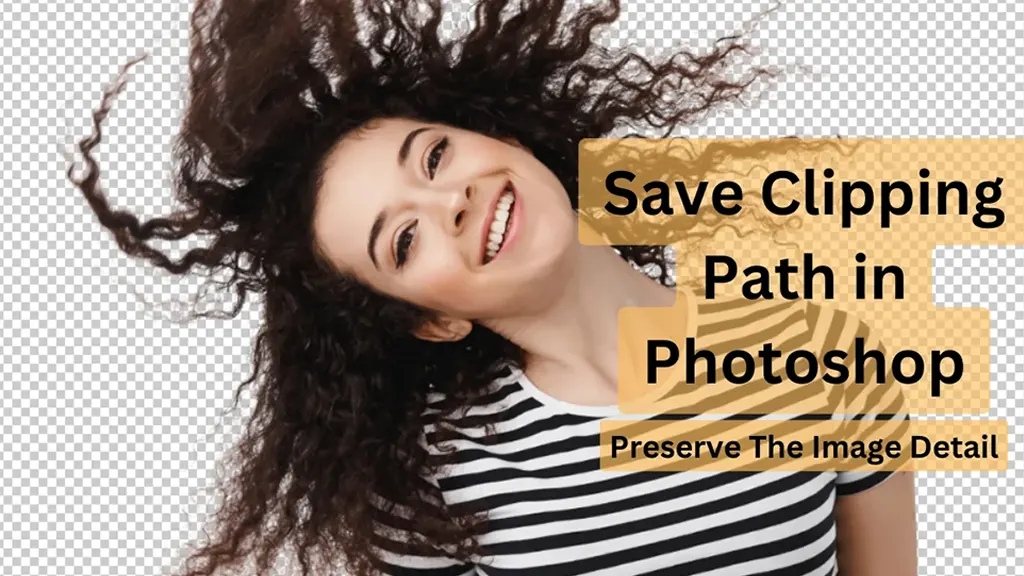
Clipping paths are a great way to showcase your Photoshop prowess. They allow you to remove objects from images and give them a creative makeover. Although most professionals have a good grasp of creating and saving a clipping path, beginners often have no idea how to save one. In the article, we will first draw […]

How To Capture Shoes Photograph To Sell Online?

Can people still learn about your product’s shoes if you don’t take a photo of them and post it on your website? You once took pictures of the sneakers inside the box. Does it appear friendly enough to attract customers’ attention? Just ask yourself. In e-commerce, selling a single pair of shoes can be impossible […]

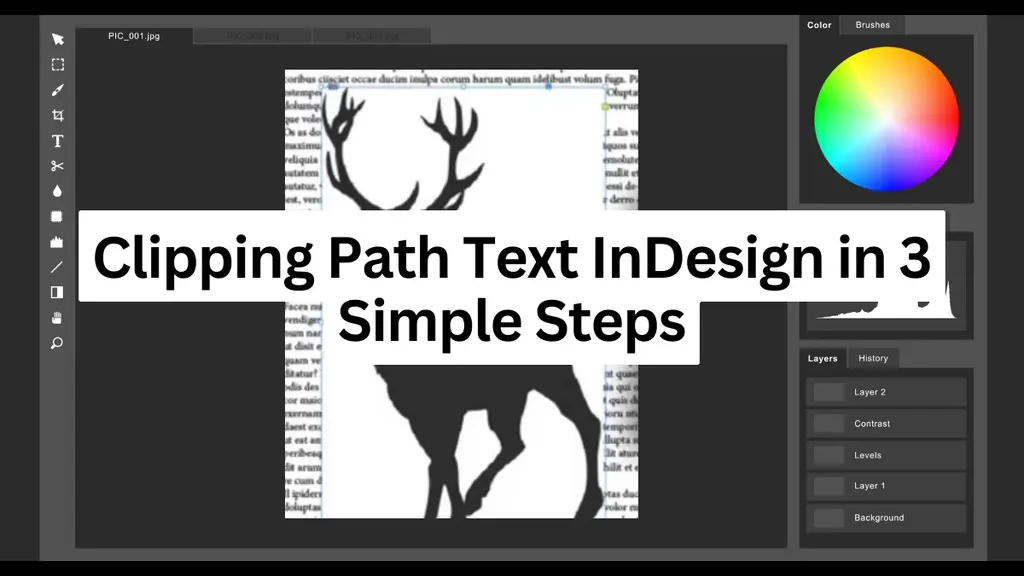
How to Make Clipping Path Text InDesign in 3 Simple Steps

Creating a clipping path text in InDesign may seem confusing, but it takes less than a few minutes once you know how to do it. Clipping paths and masks are already accessible, but text outlines require a few extra steps. To summarise, you must load the image, type out your text, create the outline, and […]

Find Out What to Charge for Photo Editing Before Hiring a Retoucher

When hiring a photo editor, it’s important to determine the cost and understand what is included. The rates will vary, but knowing exactly what you’re paying for ensures good value. Some retouchers charge by the hour, while others set a price per image. You might even get a discount if you’re prepared to do some […]

How To Convert Clipping Paths In Illustrator

A clipping path is a powerful tool that lets you isolate any object or shape from its background. This tool is specifically a Photoshop tool that makes a designer’s work easier in numerous ways. If you use Adobe Illustrator, this tool can help. How do you convert clipping paths? Is it possible? Yes, you can […]

Clipping Path Transparent: How It Works & How To Make It

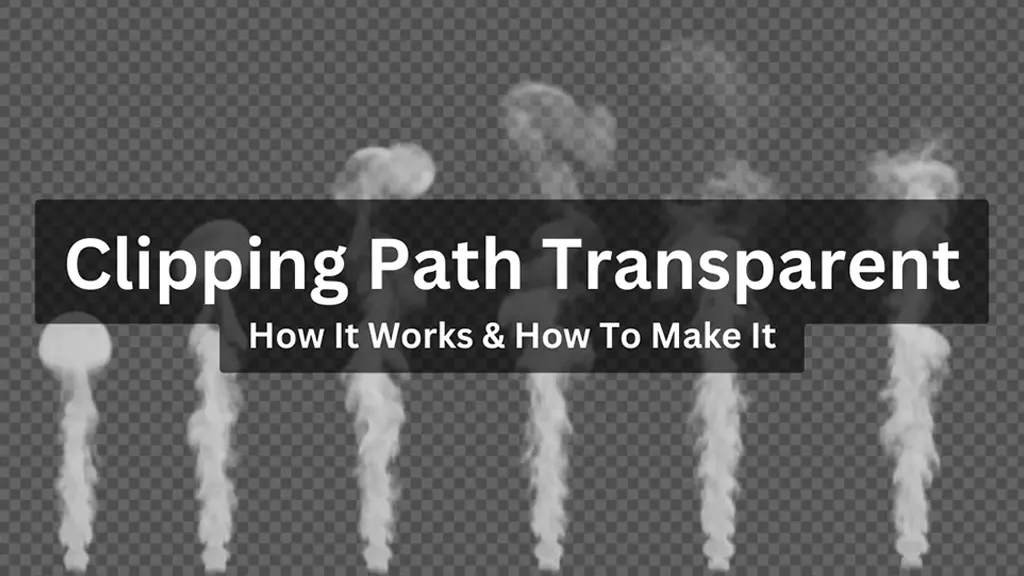
The clipping path transparent is an excellent feature in Photoshop. It’s an effective way to remove a picture’s background and replace it with the background you want. Unfortunately, it takes a lot of expertise to be good at it. This guide will walk you through the details of how clipping paths work, so you can […]

What is Clipping Path: Guide for Beginners

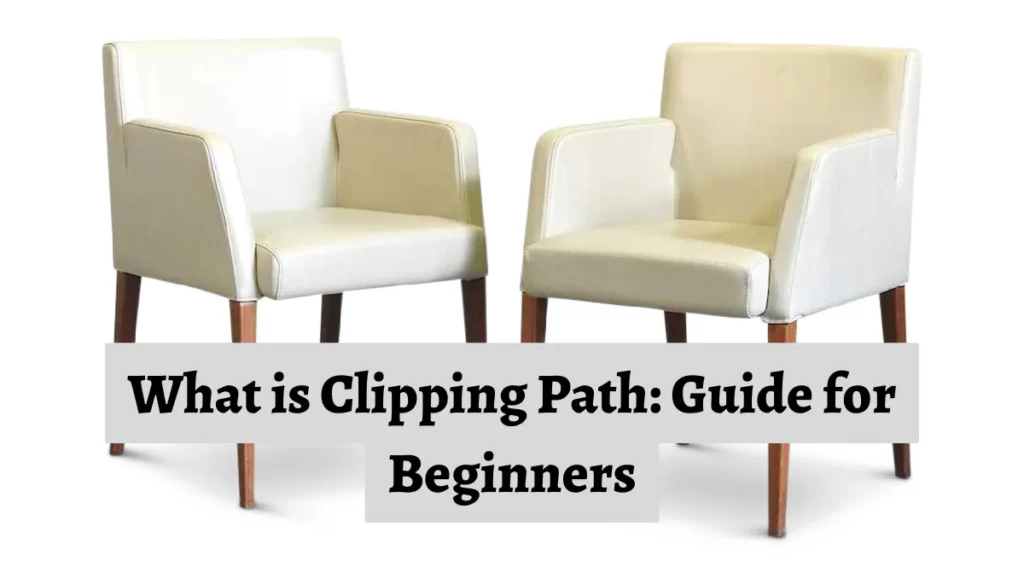
Clipping paths are an editing technique for removing an image’s background. Typically, designers use Photoshop and its pen tool for this process. While using the pen tool, you select paths to create a closed vector path or shape. This way, you can separate the selected part of the image from the rest. Using clipping paths […]

Clipping Path Reverse Guide – How to Reverse And Inverse Your Selection And Clipping Path?

Clipping path is one of the best tools for changing backdrop colors, removing objects from backgrounds, and creating composite product pictures. Once you understand how to use clipping paths, you may rapidly and safely edit your photographs. Just to be clear, a clipping path is what you use to make a clipping mask. Now, what […]

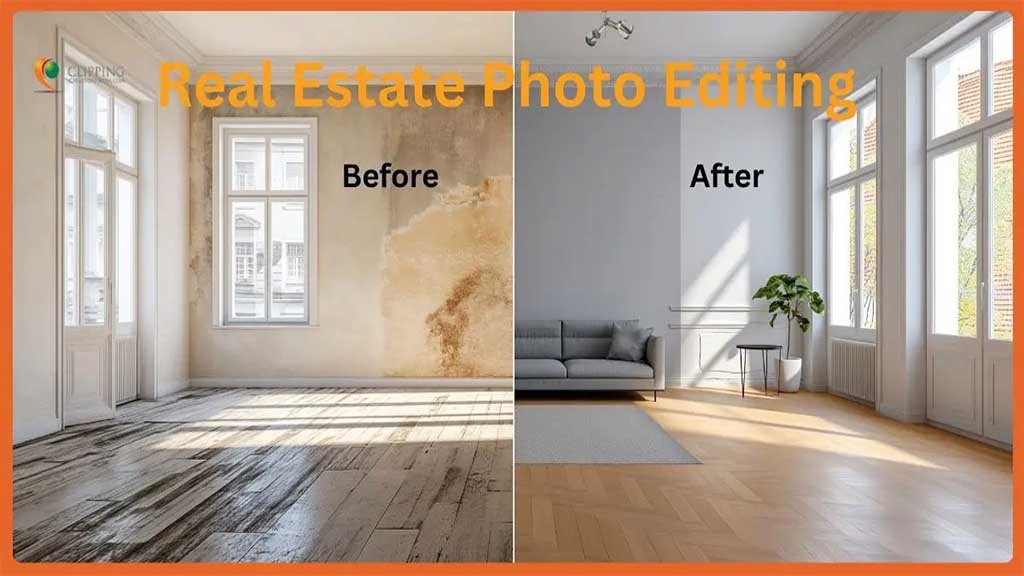
How Real Estate Photo Editing Increases Sales in the USA

Marketing in the real estate industry with well-edited, beautiful, and informative images tends to create a positive impression and leave a lasting impression on customers. Real estate photo editing services help create that impact, convert customers into potential buyers, and generate sales. As we know, the Real Estate market is one of the fastest-growing business […]