Home  »  Search Results for... "photoshop"

How to Blur Background in Photoshop and on iPhone (Step-by-Step Guide)
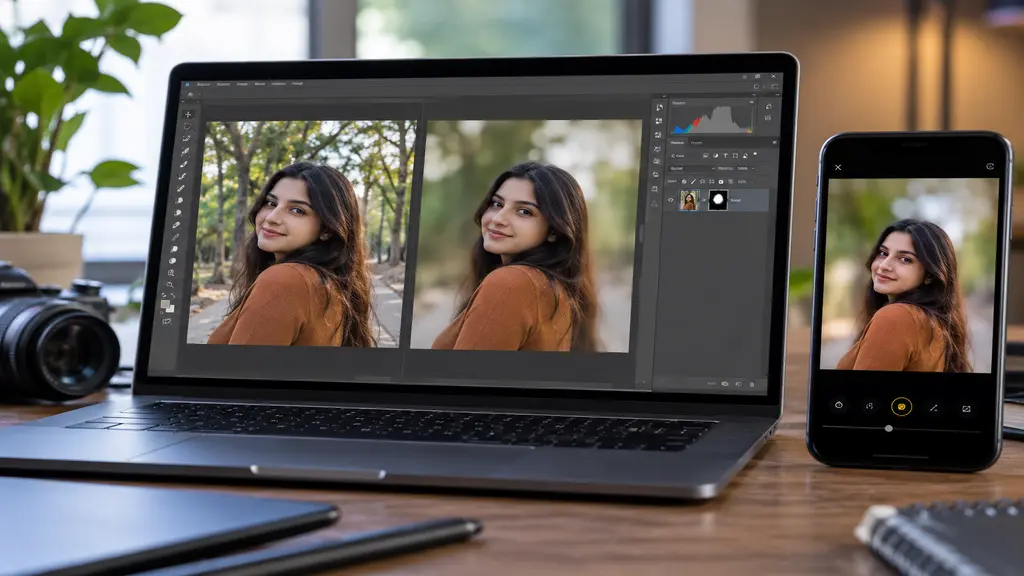
So you’re trying to figure out how to blur background in Photoshop, or maybe you just want to know how to blur the background of a picture on iPhone without installing five different apps for one edit. Fair enough. It’s genuinely one of the easiest ways to make a photo look better in about two […]
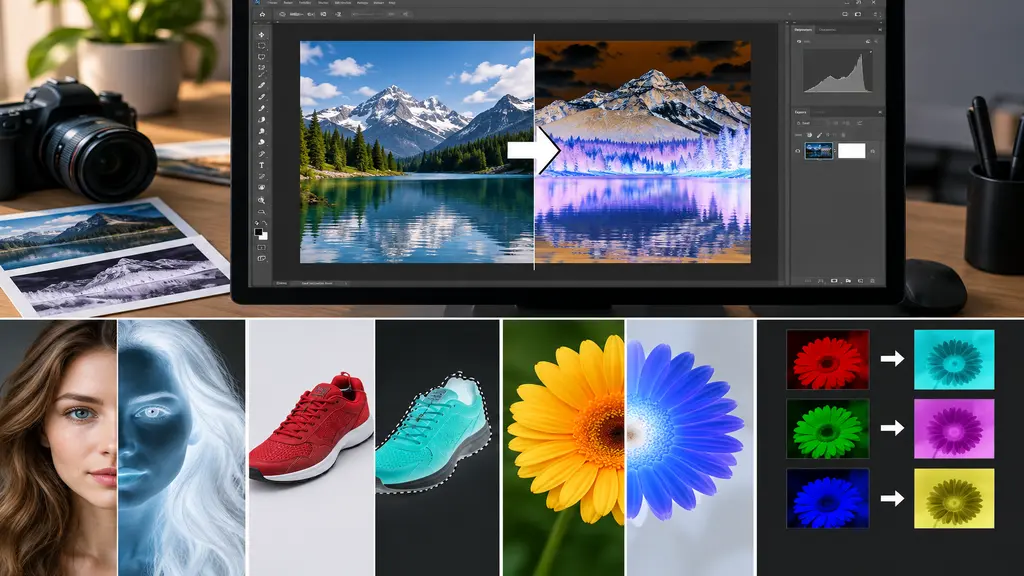
How to Invert Colors in Photoshop: A Simple Step-by-Step Guide

You opened a photo and thought, wait, this would look way cooler as a negative. Or a client sent over a file in the wrong color mode and just told you to fix it. Either way, if you’ve typed “how to invert colors in Photoshop” into Google, good news — it’s really not complicated. Once […]

How to Feather Edges in Photoshop: A Simple Step-by-Step Guide

I’ve lost count of how many product photos I’ve seen ruined by one thing: a hard, jagged edge where someone cut the subject out. It’s the first thing your eye catches, and it’s usually why people end up typing “how to feather edges in Photoshop” into Google at 1 AM trying to fix a client’s […]

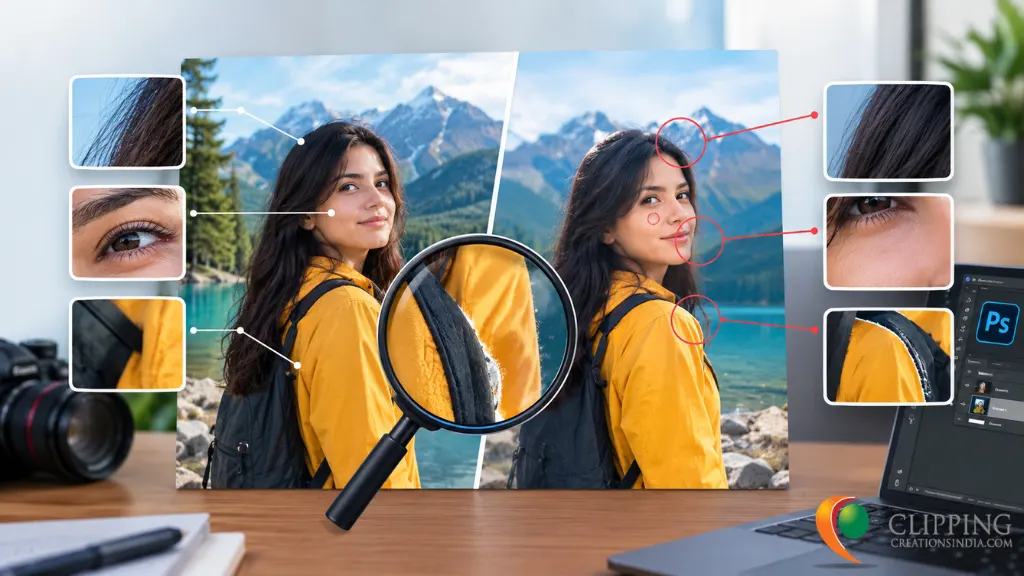
How to Tell If a Photo Is Photoshopped: 10 Signs to Look For

These days, however, knowing how to detect photoshopped images has come in handy more than ever. From social media posts to online ads, news articles and dating profiles, the photos are everywhere. Because at first glance, after the even modest editing, many edited images appear completely natural and it is difficult to understand whether what […]

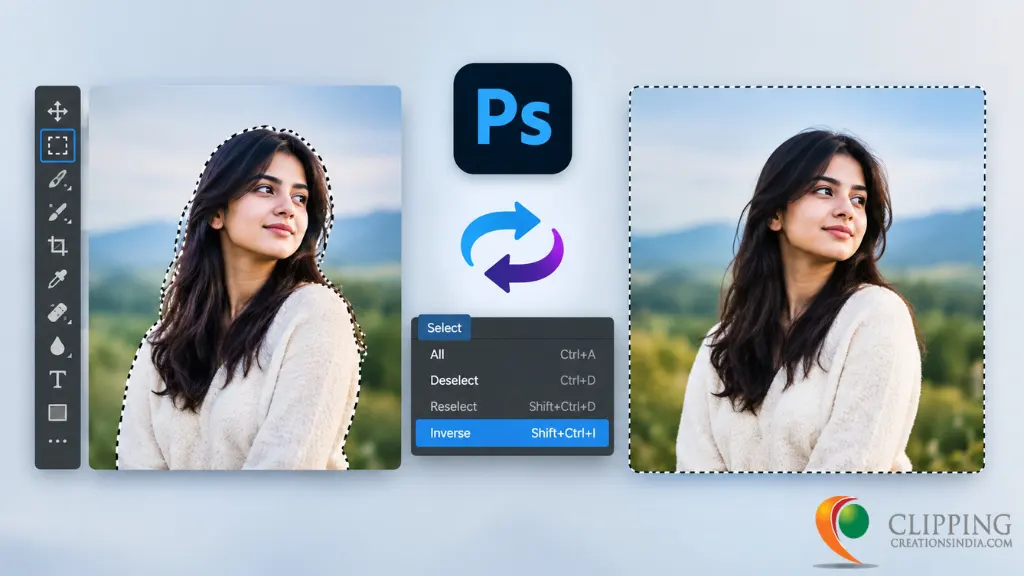
How to Invert a Selection in Photoshop: A Simple Step-by-Step Guide

Knowing how to invert a selection in Photoshop should be one of the first things you learn when editing photos, as it will save you significant time. This means that rather than having to manually select the background, you can just select what it was first and reverse the selection with a command. This is […]

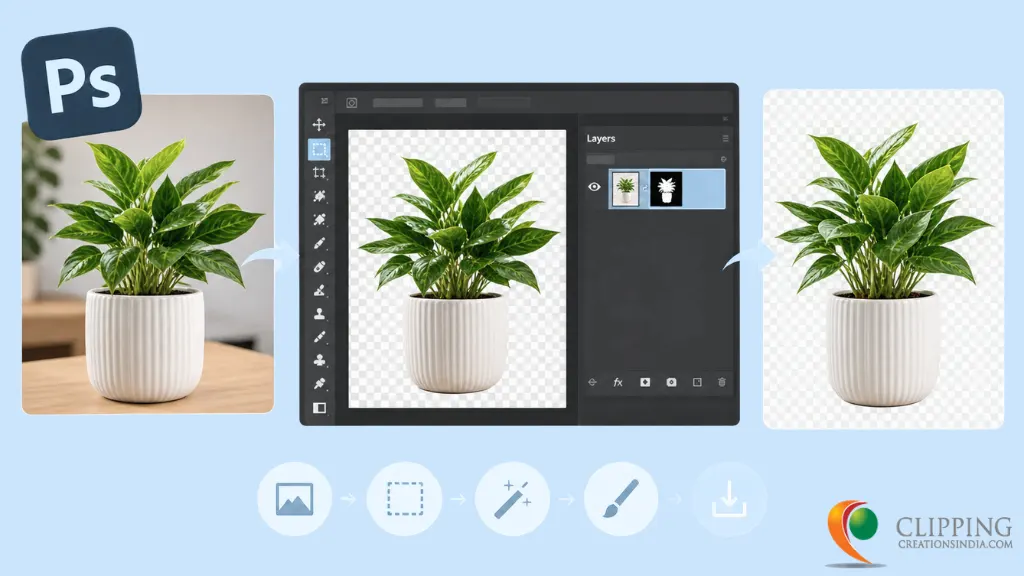
How to Make Background Transparent in Photoshop: A Beginner-Friendly Guide

Wondering how to make background transparent in Photoshop? What is good news, it isn’t as hard as it seems. If you follow the steps in the correct order, then anybody can do it — even if they have no experience in editing. You are working with product photographs, logos, profile pictures — any design project […]

How Do You Replace a Color in Photoshop? A Simple Step-by-Step Guide

Every artist can’t paint the perfect color; hence, Color changing is a work of art. How to replace color in Photoshop This is a problem that has troubled the designers and photo editors at one time or another. Say you have a photo that you want to apply color-changes like a shirt. Or trying to […]

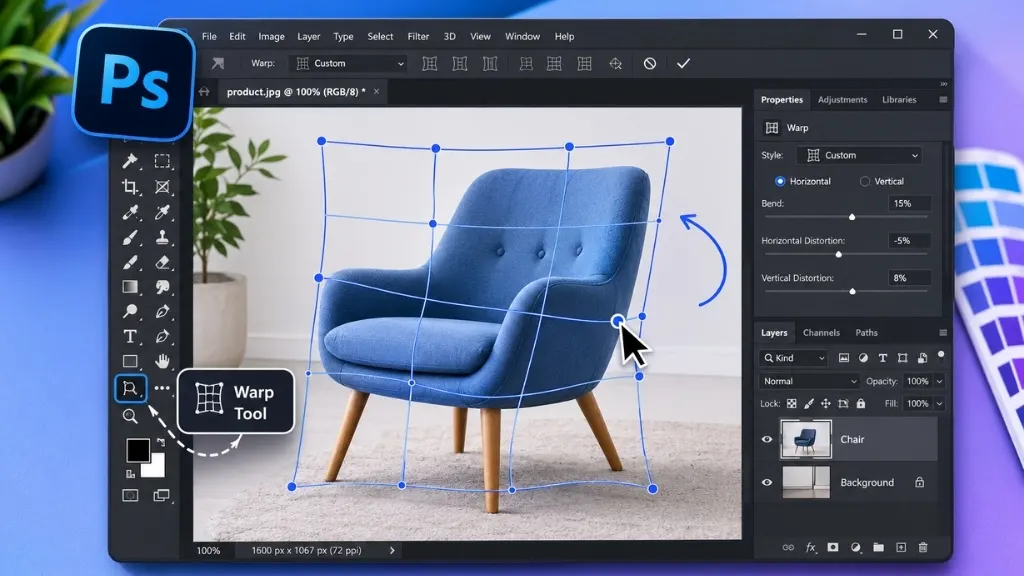
How to Warp an Image in Photoshop: A Simple and Correct Method

So you’re looking for how to warp an image in Photoshop? If you have then you’ve come to the right place. The Warp Tool is a basic yet highly vital tool that allows you to warp, squeeze, or manipulate any image like a pretend master of the universe with the click of a mouse and […]

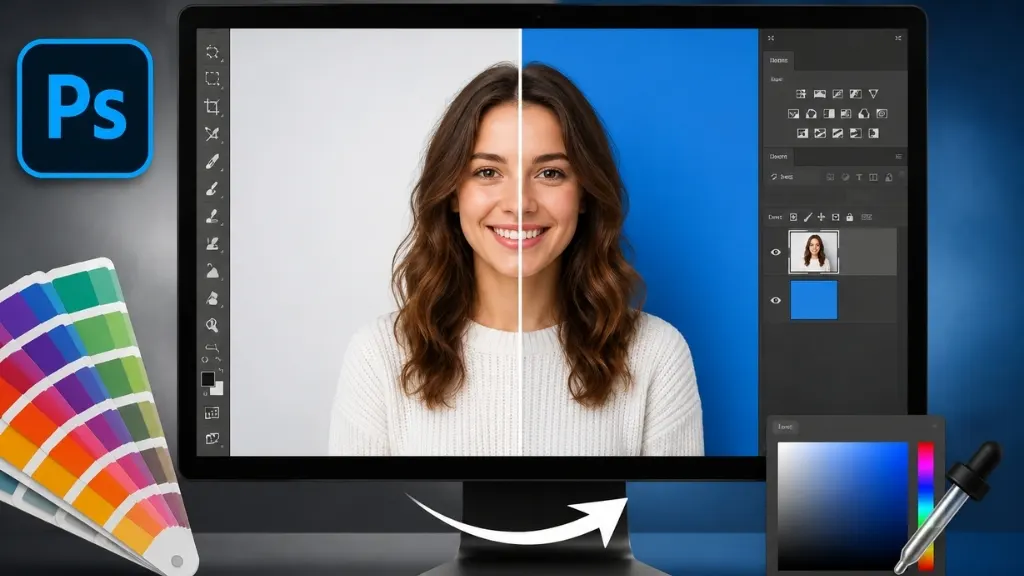
How Do You Change a Background Color in Photoshop?

The ability to change a background color in Photoshop is a valuable skill for photographers, designers, marketers/or eCommerce sellers or anyone wanting to make a photo look better. You can remove a distracting background, do some white to another colour background changes, create transparent backgrounds or full product photo changer! The good news you don’t […]