
- January 1, 2025
What is Clipping Path: Guide for Beginners
Clipping paths are an editing technique for removing an image’s background. Typically, designers use Photoshop and its pen tool for this process. While
Clipping Path Reverse Guide – How to Reverse And Inverse Your Selection And Clipping Path?
Clipping path is one of the best tools for changing backdrop colors, removing objects from backgrounds, and creating composite product pictures. Once you
Clipping Path Transparent: How It Works & How To Make It
The clipping path transparent is an excellent feature in Photoshop. It’s an effective way to remove a picture’s background and replace it with the

- November 6, 2024
How to Take Professional Product Photos with iPhone
You have to have visually appealing photos or striking images of your products if you want to sell them online. The online marketing for e-commerce product
- March 28, 2024
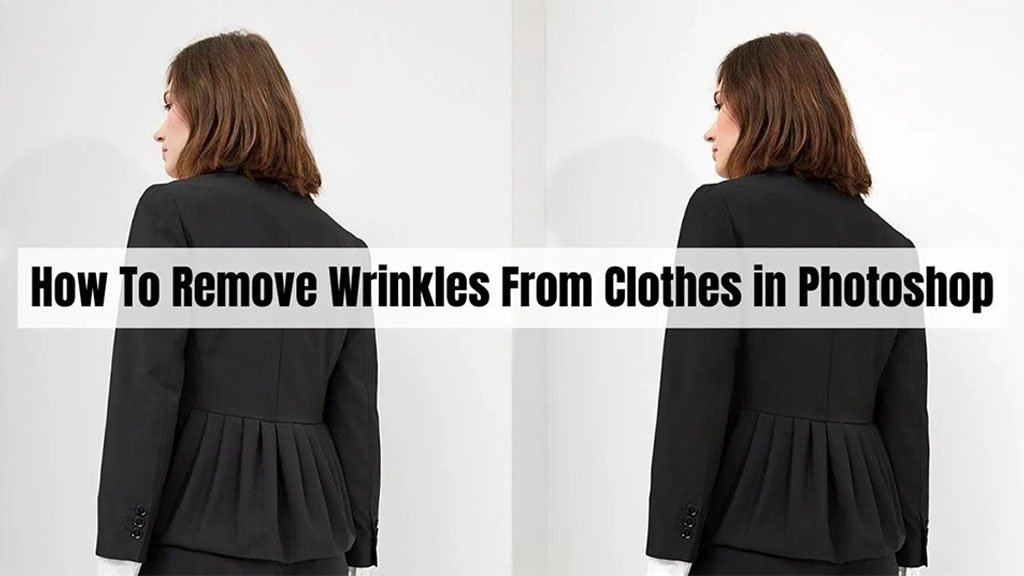
How To Remove Wrinkles From Clothes in Photoshop [4 Flexible Steps]
Oh No! Wrinkles! How to remove wrinkles from clothes in Photoshop? Don’t wait a single moment if you have wrinkled clothes and need to take a picture
- March 24, 2024
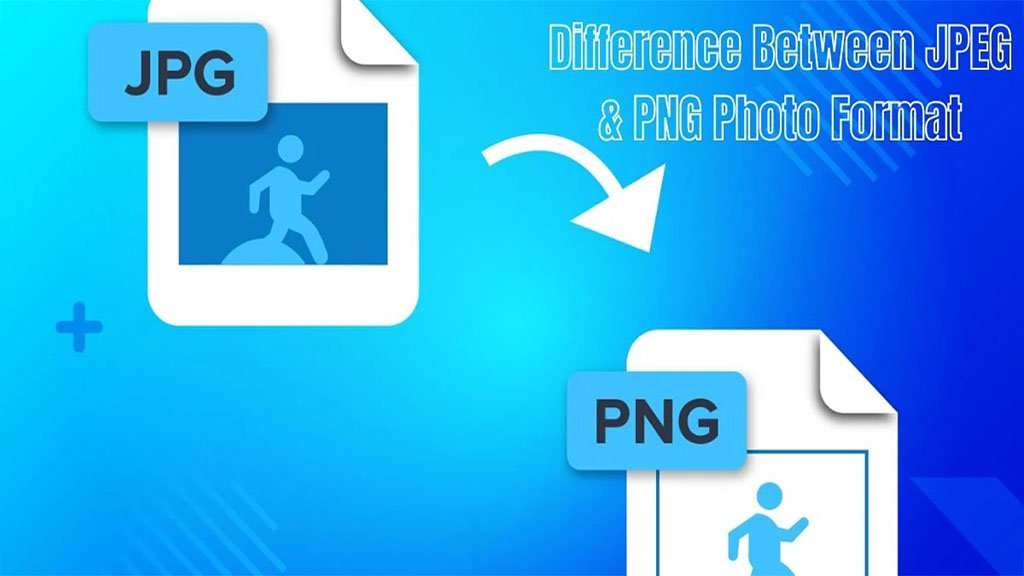
Difference Between JPEG & PNG Photo Format
These two most common image formats are JPEG and PNG. Even if you don’t have a solid knowledge of Photoshop, you must know about the two formats. It’s too
- March 21, 2024
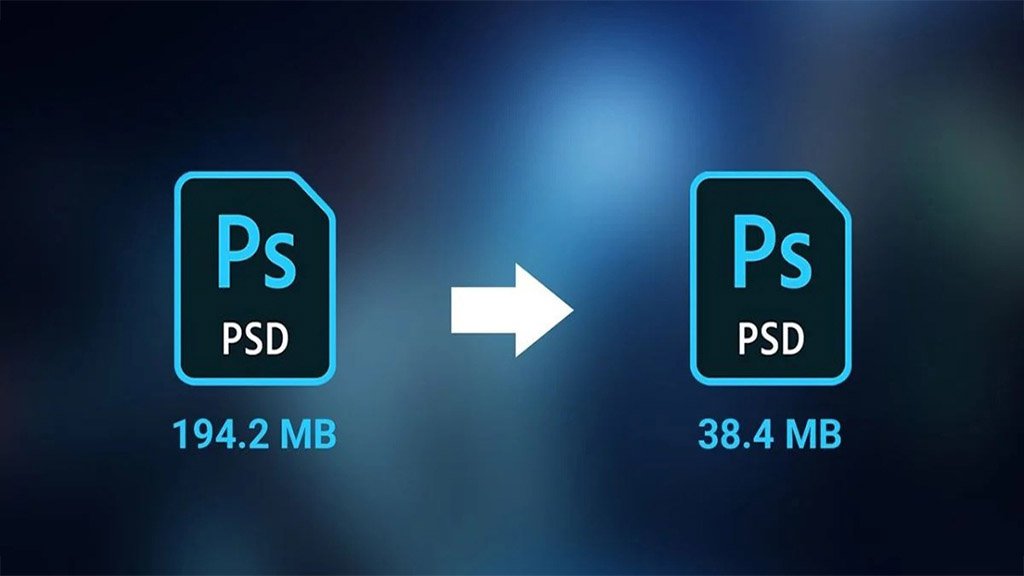
How to Reduce Photoshop File Size Without Loss of Quality?
Often, we make a common mistake in Photoshop: we can’t use the Photoshop file anywhere else. Raw Photoshop files are large files. Sometimes they can exceed
- March 17, 2024
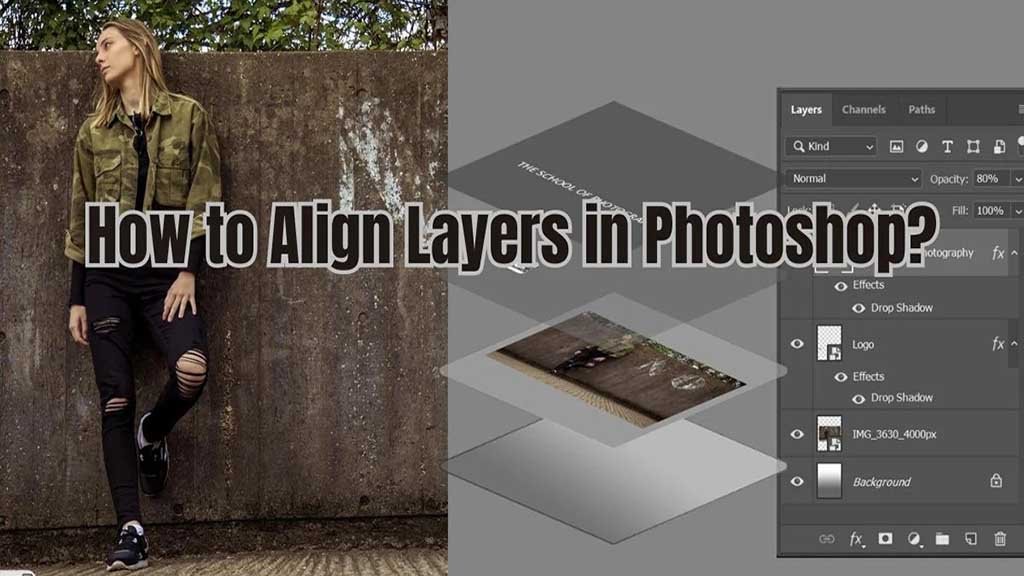
2 Successful Steps to How to Align Layers in Photoshop
Layers are the foundation of Photoshop. If you are using Photoshop and don’t know about layers, we must say you are still at the beginning level. In

- March 14, 2024
5 Real Estate Photography Tips: DIY Estate Photos for Successful Sale
If you are in the real estate business, you simply can’t sell off your estates with dumpy photos. You must ensure your photos are great and polished. It