
- March 10, 2024
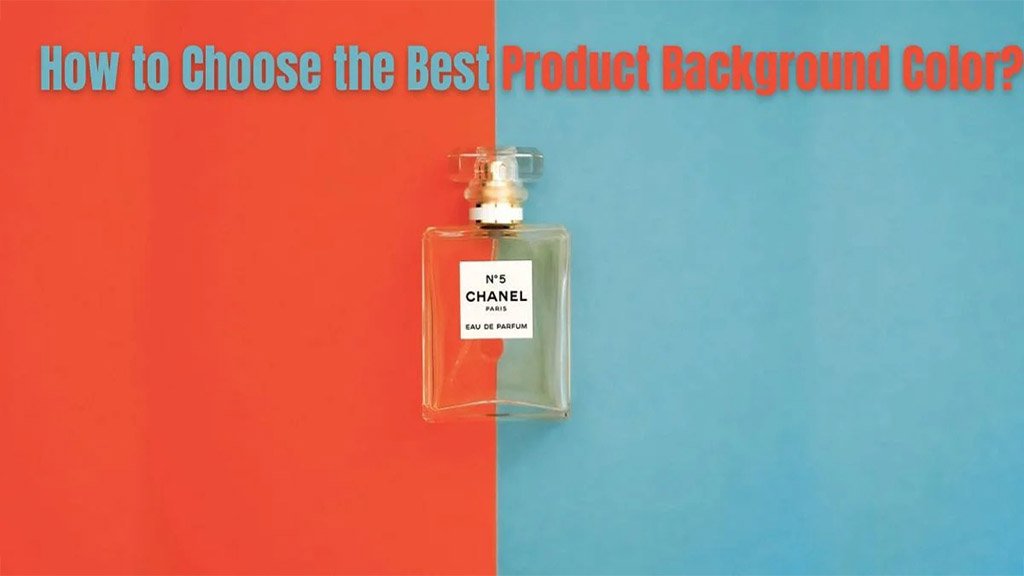
How to Choose the Best Product Background Color
Do you know? About 63% of consumers stated that “high-quality product photos” are very important to decide whether or not to buy a product online (Source:
- March 7, 2024
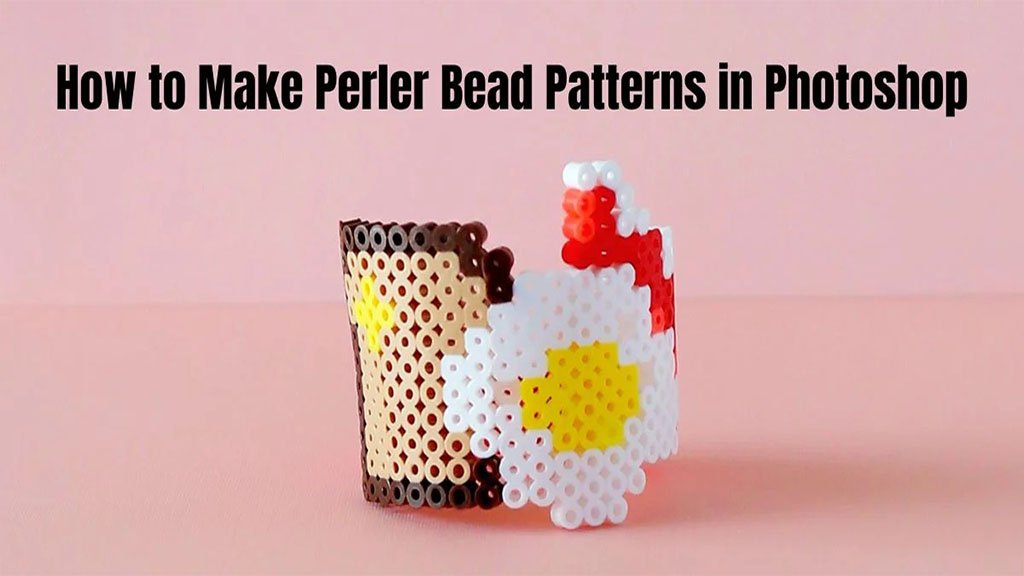
How to Make Perler Bead Patterns in Photoshop
Perler bead patterns can be too difficult for beginners. Especially when you are trying it in Photoshop for the first time, things may become more difficult
- March 3, 2024
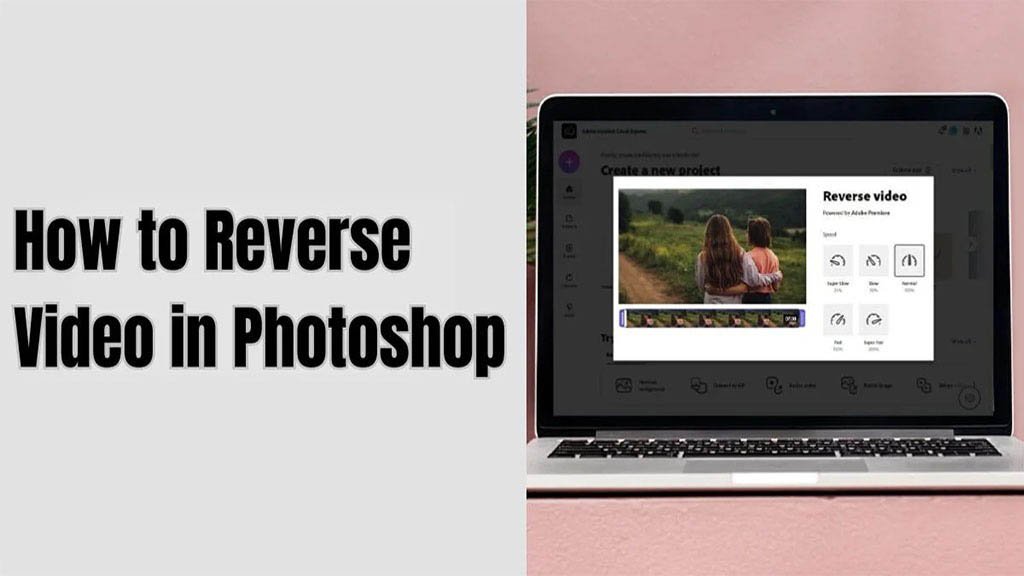
How to Reverse Video in Photoshop: Photoshop Guide
A reverse video has been on trend for a couple of days now. If you still don’t know how to do it, here’s why you need to know how to reverse video in
- February 28, 2024
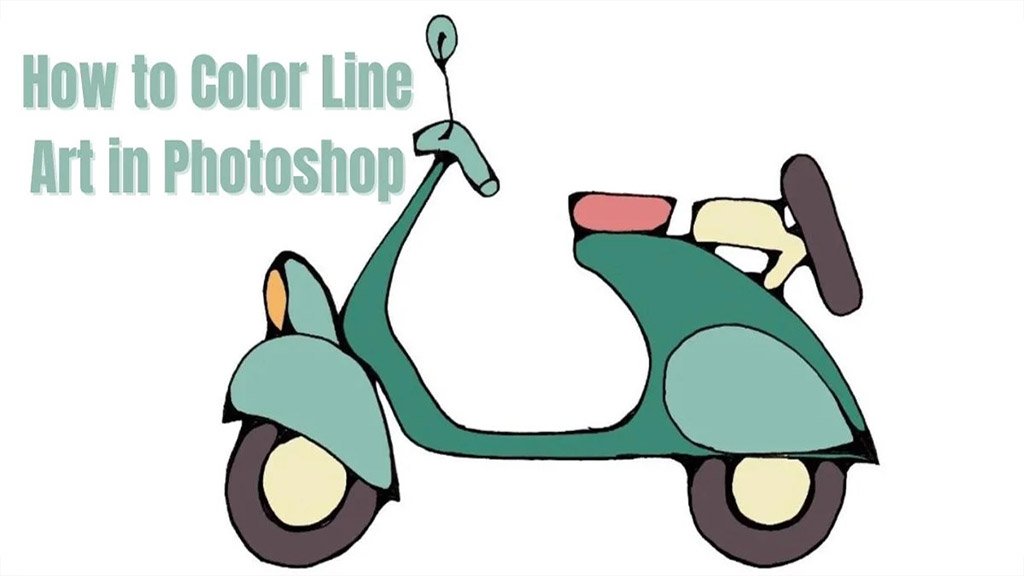
Your Hand Guide on How to Color Line Art in Photoshop
Ask around, and four out of four designers near you use Adobe Photoshop. Most of us use Photoshop to edit photos. However, there are more uses to it, as you
- February 25, 2024
How to Reverse a GIF in Photoshop: You Can Do It Now!
GIFs are cool! They are quick and informative. Plus, you only need about three to four photos and combine them to set up the GIFs. It’s as easy as a breeze.
- February 21, 2024
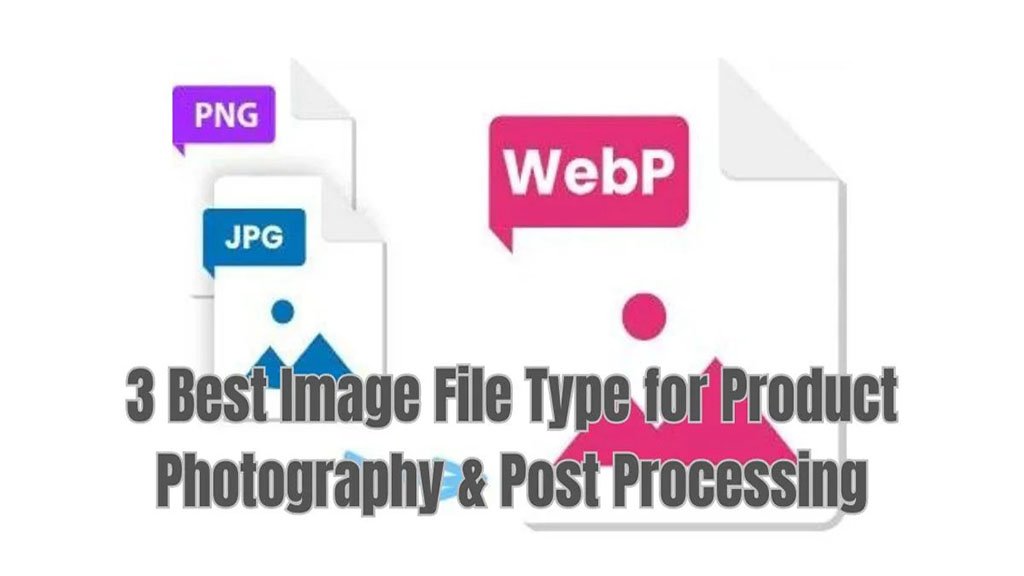
3 Best Image File Type for Product Photography & Post Processing
Are you obsessed with product photography? Even though all are set up on the platform, you can’t move forward without the best image file type for product

- February 18, 2024
101 Freelance Photographer’s Guide: Successful Tips in 2 Min
It’s quite common to start as a freelance photographer nowadays. As the marketplace shifts, you may need to look for freelance work rather than commit to one
- February 14, 2024
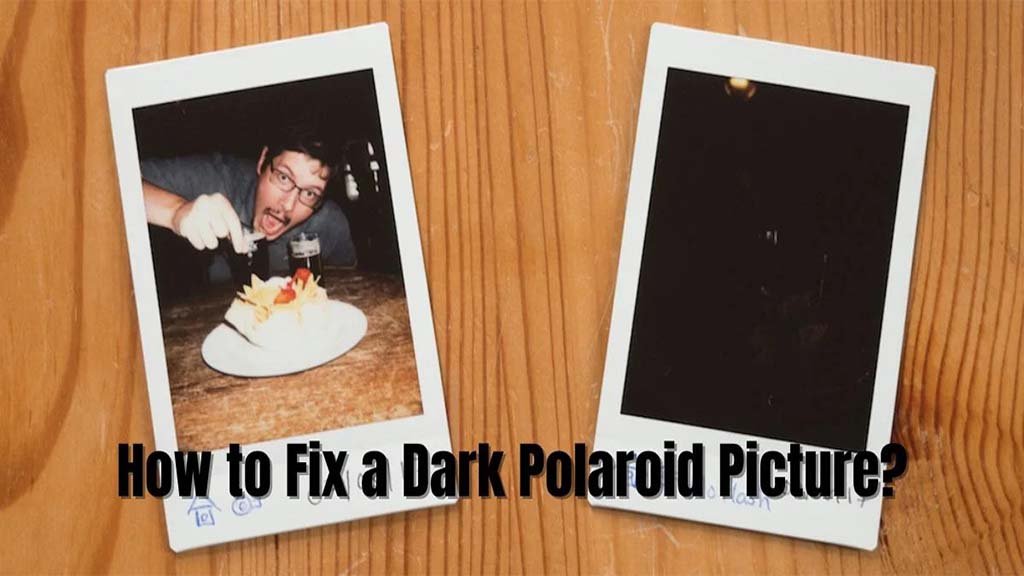
How to Fix a Dark Polaroid Picture? Easy Solution to Dark Polaroids
Polaroid pictures have their unique charms. They are antique and easily capture customers’ attention. Square frames are lovely. They always promote a
- February 11, 2024
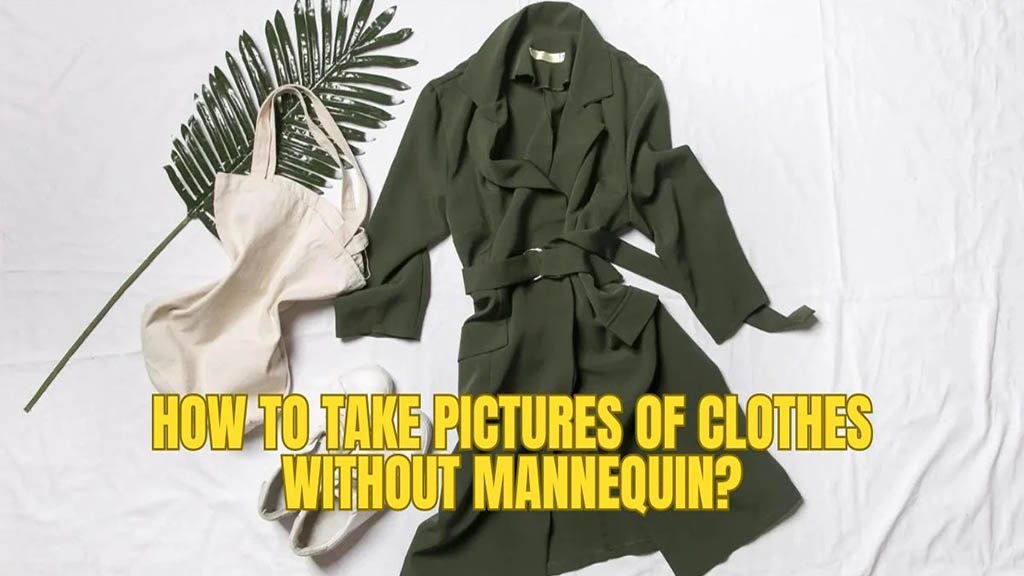
How To Take Pictures Of Clothes Without Mannequin?
You must have heard of Ghost Mannequin Photography, right? However, only a few of us can manage a ghost mannequin always. For example, you may end up in a