

- February 11, 2025
Advanced Masking in Photoshop − An Easy Guide to Master Masking!
Masking in Photoshop allows you to separate a subject from its background and edit it independently. However, the basic masking tools in Photoshop can only
- February 10, 2025
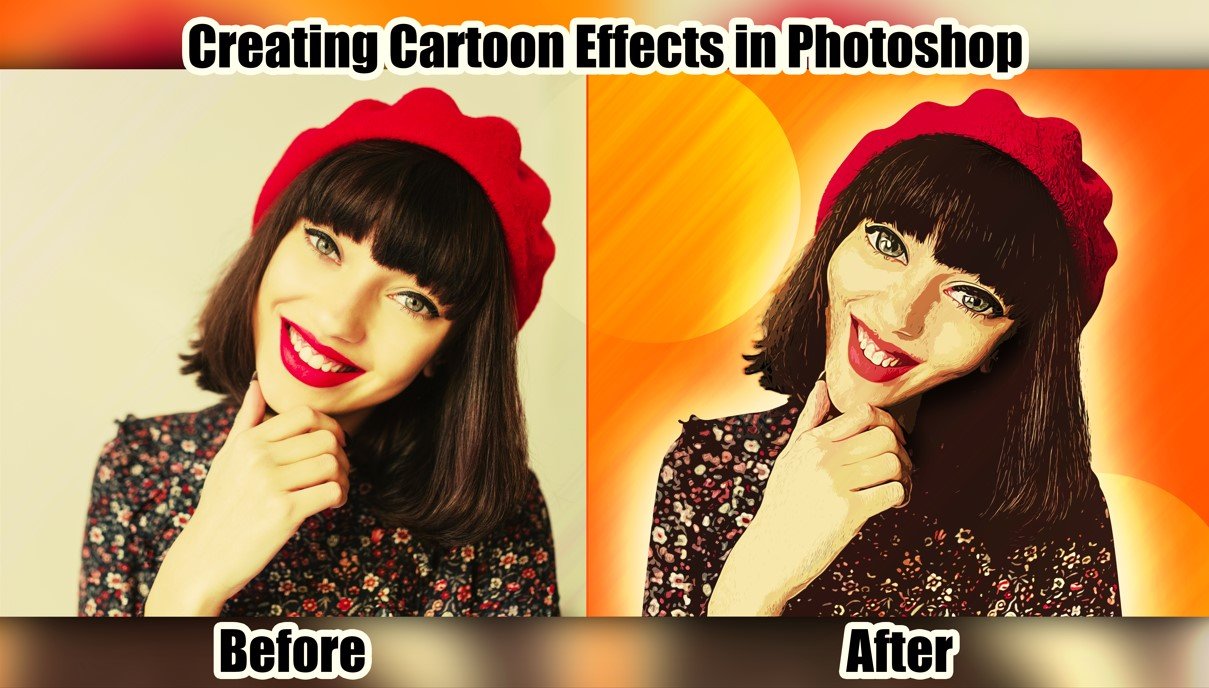
Cartoonize in 6 Simple Steps – How to Create Cartoon Effect in Photoshop?
Want to see what your cartoon version would look like? Or do you want to turn scenery into a beautiful oil painting? With Photoshop, you can do them in

- February 9, 2025
2 Beginner-Friendly Methods on How to Do Shadow Masking in Photoshop
This article will provide you with 2 methods of shadow masking. So, if you’re here to learn how to do shadow masking in Photoshop, along with a guide on how

- February 8, 2025
How to Do Masking in Photoshop? − Learn Layer Masks and Clipping Masks
If you would like to merge pictures or highlight or hide parts, including the background of an image, then you must learn how to do masking in Photoshop. You
- February 6, 2025
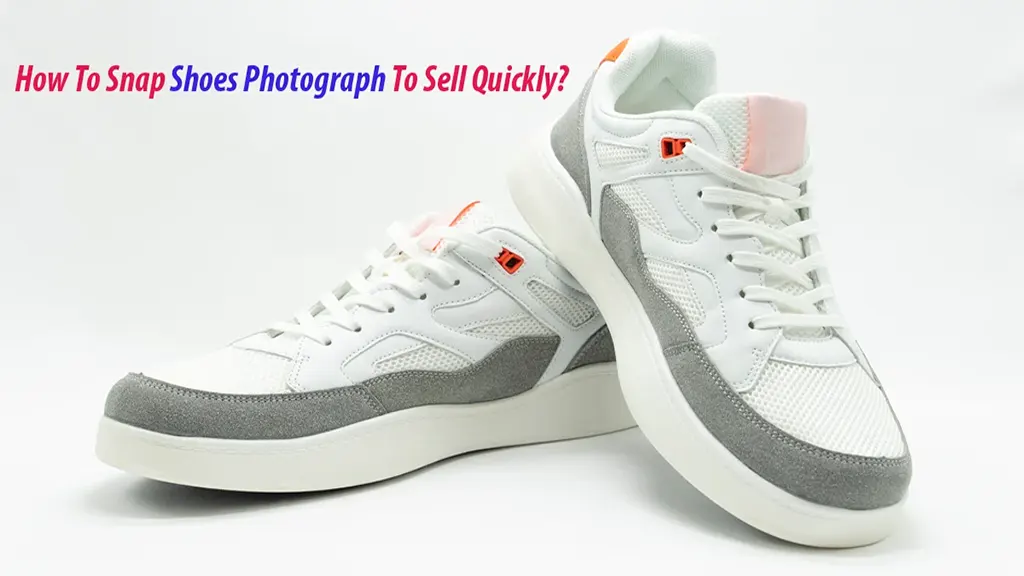
How To Capture Shoes Photograph To Sell Online?
Can people still learn about your product’s shoes if you don’t take a photo of them and post it on your website? You once took pictures of the sneakers

A Definitive Guide on How to Edit Car Photos on Lightroom
Have you ever seen some amazing car photos online and thought, why don’t your photos look like that? They will, too, if you use Adobe Lightroom. So, how to

- February 4, 2025
Get Picture Perfect Hair: What are the Benefits of Hair Masking in Photoshop
Though Photoshop offers several tools for image masking, hair masking is not as easy as it seems. It is undoubtedly a complicated task, as cutting the
- February 3, 2025
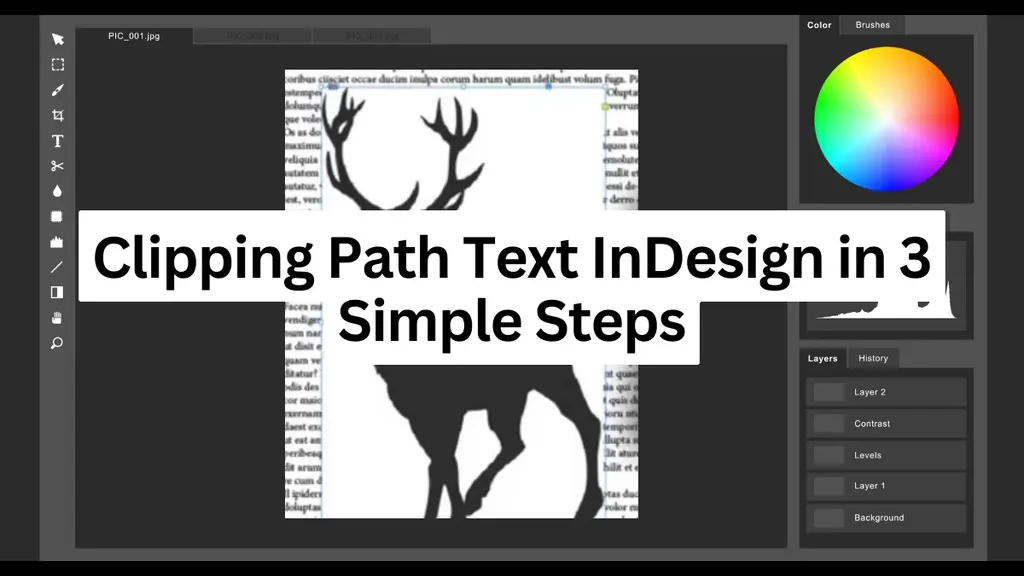
How to Make Clipping Path Text InDesign in 3 Simple Steps
Creating a clipping path text in InDesign may seem confusing, but it takes less than a few minutes once you know how to do it. Clipping paths and masks are
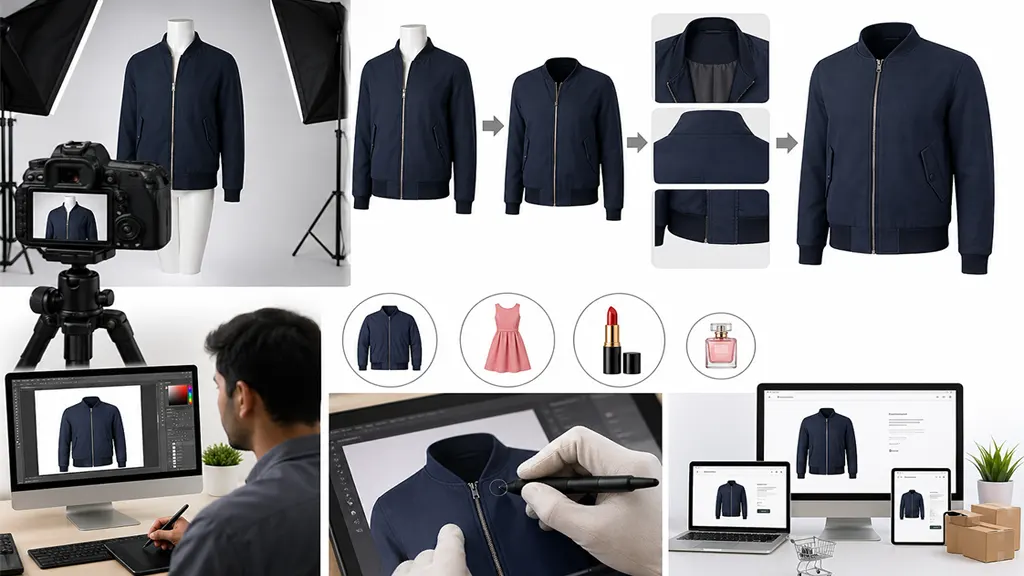
Ghost Mannequin Photo Editing Services: Complete Guide for E-commerce Brands
In e-commerce, your product images act as your silent salesperson. Since shoppers cannot physically interact with your items, your imagery must carry the