

- December 28, 2025
Improve Sales with These 8 Amazing Makeup Products Photography Ideas
Makeup items aren’t just things you use to look good; they’re like pieces of artwork. It’s essential to take really nice and interesting pictures to show
- December 21, 2025
These Secret 4 Photography Lighting Techniques Will Blow Your Mind!
Photography is one sort of painting with light and shadow. To take amazing photos, you need to know how to use light effectively. That’s where mastering the
- December 17, 2025
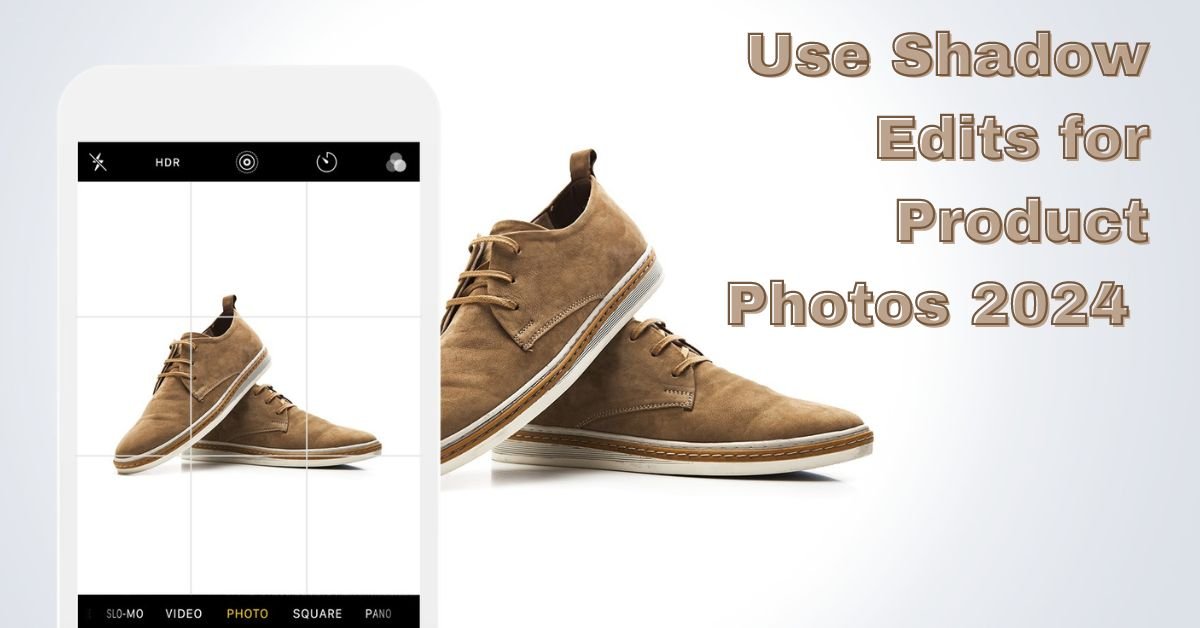
Why You Should Use Shadow Edits for Product Photos
Use Shadow Edits for Product Photos Shadows are like the unsung heroes of your product images. They’re not just patches of darkness; they’re the subtle

- December 10, 2025
Tips and Life Hacks to Maximizing Sales with High-Quality Product Photo Editing
Many people buy things online, and having really good product photos is super important. Do you have any ideas about maximizing sales with high-quality product

- December 7, 2025
How To Edit People Out Of Photos in Photoshop: 5 Clever Hacks to Save Photos
In the world we live in today, using our cameras to capture special moments is something we all do. But sometimes, people we don’t know end up in our
Best Photo Editing Apps For Social Media Post
It is the age of visual storytelling, and social media has become a powerful platform for self-expression. You can be an influencer, a business owner, or an

10 Winter Photoshoot Ideas: Shoot with Style This Winter
Winter is a special time when everything turns into a beautiful, snowy wonderland. The snow and chilly air make for a perfect photo backdrop. Feel great about

- December 3, 2025
10+ Tips and Tricks for Aspiring Photoshop Designers
Welcome to our exciting Tips and Tricks for Aspiring Photoshop Designers. As someone who regularly works with Photoshop, I know how exciting and creative our
- November 26, 2025
Let’s Talk about the Importance of Clipping Path in Graphic Design
The Importance of Clipping Path in Graphic Design Graphic design is a powerful tool. It allows us to communicate visually in a world increasingly dominated by