
Beginner Friendly Guide on Video Editing Vs. Photo Editing
- February 15, 2025

Video editing and photo editing are two distinct fields within the realm of digital media creation, but they are used for different purposes and require different skill sets. In this article, we’ll discuss video editing vs. photo editing in depth.
As the name suggests, video editing deals with visual footage, while photo editing involves working with still photographs or artworks. Follow along as we explore the key differences between photo editing and video editing, as well as their respective techniques, tools, and best practices. Let’s get started!
Defining Video Editing
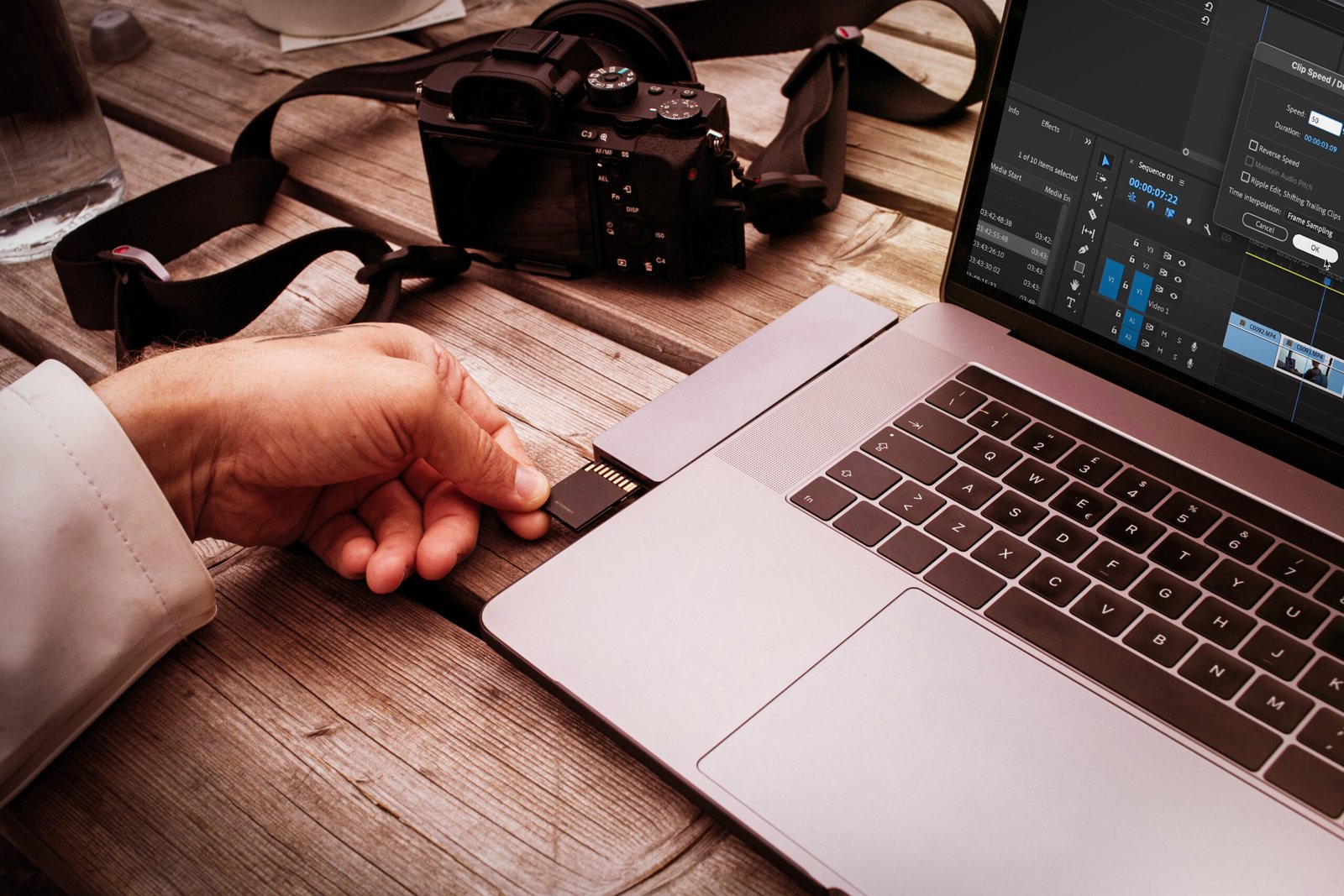
Freelance content creator use memory card adaptor
Video editing is the process of manipulating and rearranging video clips to create a new video file. This can include cutting and splicing footage, adjusting colour and lighting, adding effects and transitions, and syncing audio.
Video editors deal with a variety of video formats, including film, digital, and animation. The final product of a video editing project can be anything from a short film or commercial to a feature-length movie or television show.
Technical Skills Required
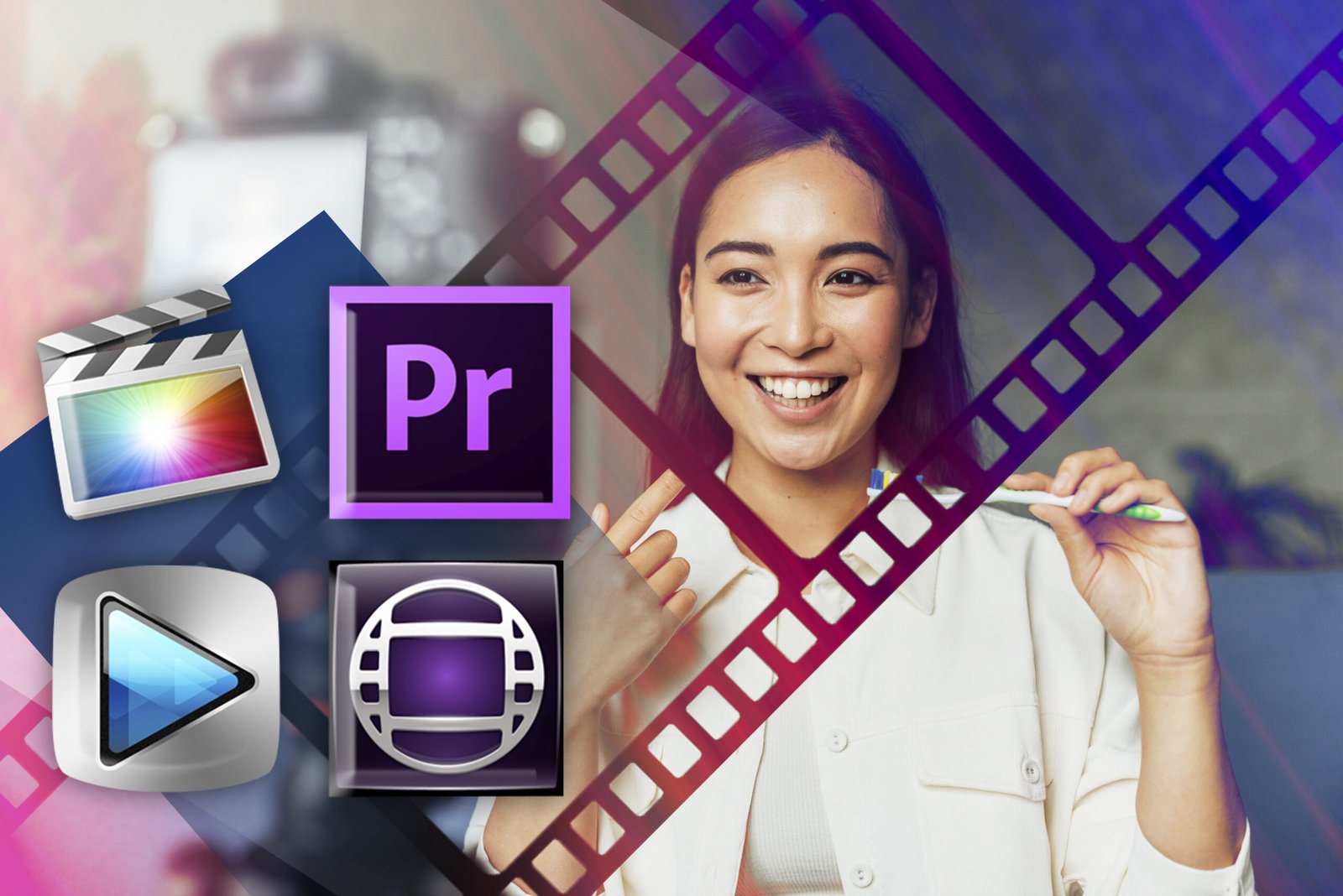
Video editing is a demanding task for which a wide range of technical skills are needed, including knowledge of various video formats, codecs, and compression techniques. It is also crucial to have a good understanding of editing software, such as Adobe Premiere Pro, Final Cut Pro, or Avid Media Composer. In addition, video editors must be proficient in using visual effects software such as Adobe After Effects and audio editing tools such as Pro Tools.

Defining Photo Editing
African american game developer testing new game working late at night in creativity agency company. Tired creator, designer, developing online video games on pc using modern production technology
Photo editing is done to manipulate and enhance digital images. It includes adjusting colour and brightness, removing blemishes and wrinkles, and adding special effects.
Photo editors have to work with a wide range of image formats, including JPEG, PNG, and TIFF, as most digital cameras produce raw photos in varying formats. The final products of photo editing can range from simple photos to complex digital artworks. Learn more: How to Add Fog to A Photo in Photoshop.
Technical Skills Required
Photo editing, on the other hand, does not require as much technical knowledge as video editing. However, it does require a good understanding of colour theory, exposure, white balance, colour saturation, composition, and retouching techniques.
Photo editors often use software such as Adobe Photoshop, Lightroom, or GIMP. They also must have a good understanding of file formats and resolution to ensure that the final image is of the highest quality.

Differences Between Video and Photo Editing
Young content creator girl editing video on her laptop. Working from home Apart from the varying use cases of video editing and photo editing, here are a few more differences between the two—
Video Editing Is More Rigorous and Time-Consuming
One of the main differences between video editing and photo editing is the amount of time and effort required to complete a project. Video editing can be a very time-consuming process, with projects often taking weeks or even months to complete.
Photo editing, on the other hand, can often be done in a matter of hours or days. This is because video editing typically involves working with multiple clips and audio tracks, while photo editing typically only involves working with a single image.
The Creative Processes Involved in Video Editing and Photo Editing Are Different
Another key difference between video editing and photo editing is the creative process involved. Video editing is often a collaborative effort, with a team of editors, directors, and other professionals working together to create the final product. Photo editing, on the other hand, is typically a solitary endeavour, with the photo editor working alone to create the final image.
Video Editing Requires the Use of More Complex Software
Additionally, video editing requires specific software, which might be different from the one used for photo editing, as well as specific computer hardware components to handle the video files.
Applications of Video and Photo Processing
Video editing and photo editing are both important techniques, but they’re used in various applications. These techniques have revolutionised the way visual media is presented in videos and photos.
Applications of Video Processing
One of the most common applications of video editing is in the filmmaking and television industry. Video editors use specialised software to create and edit films, TV shows, commercials, and other video content. They use techniques such as colour correction, sound design, and special effects to enhance the visual and audio quality of the video.
Another example of video editing applications can be seen in the field of education. Video editing is used to create educational videos, tutorials, and online courses. These videos can be used in classrooms, online platforms, and other educational environments to enhance the learning experience.

Applications of Photo Processing
Close up professional digital camera on a tripod on a blurred background. The concept of technology for working with photos and videos. Usually, photo editors have to use techniques such as colour correction, cropping, and retouching to improve the overall quality of images and photographs.
Photographers are usually very active workers in the field of advertising and marketing. They have to use photo editing software to create visual content for advertisements, social media campaigns, and other marketing materials. Some commonly used techniques among photo editors are compositing and retouching to create visually appealing images.
Recommended Computer Specifications
Both video editing and photo editing are demanding tasks that require powerful computers. In brief, you’ll need a fast processor, a large amount of RAM, a dedicated graphics card, and a large amount of storage space. Here’s a breakdown of the key components you should look for when building or buying a computer for photo and video editing –
Component | Minimum Specifications | Recommended Specifications |
Processor | Quad-core Processor, e.g., Intel Core i5, AMD Ryzen 5, or equivalent chipsets | Six/Eight Core Processor, e.g., Intel Core i7/i9, AMD Ryzen 7/9, or equivalent chipsets |
RAM | 16 GB | 32 GB or more |
Graphics Card | NVIDIA GTX 1050 with 2 GB video memory or equivalent GPUs | NVIDIA RTX 3080 with 8+ GB video memory or equivalent GPUs |
Storage | 256 GB SSD | 512 GB/1 TB SSD |
Monitor | Full-HD 1080p monitor | 4K resolution monitor with a refresh rate of 144Hz or more |
Processor
A fast processor is essential for video editing as it helps to handle the complex calculations required for rendering and encoding video files.
For photo editing, a fast CPU with multiple cores will allow you to work on multiple images at once and handle heavy-duty tasks such as applying filters and effects with ease.
A minimum of a quad-core processor is recommended, but a six or eight-core processor is ideal. Intel Core i5, i7, or i9, and AMD Ryzen 5, Ryzen 7, or Ryzen 9 processors are good options.
RAM
Video editing programs require a large amount of RAM to ensure that the computer can handle multiple tasks at once. On the other hand, photo editing software can be resource-intensive, and having enough RAM will ensure that your computer can handle large image files and multiple programs running at the same time. A minimum of 16GB of RAM is recommended, but 32GB or more is ideal.
Graphics Card
A dedicated graphics card is essential for video editing as it helps to handle the rendering and decoding of video files. A good graphics card will also help improve the performance of the video editing software you use.
When it comes to photo editing, a high-end graphics card will allow you to smoothly zoom in and out on images and apply filters and effects without any lag.
NVIDIA or AMD graphics cards with a minimum of 2-4 GB video memory are recommended. For best performance, high-end GPUs with 8+ GB video memory are ideal.
Storage
Video editing requires relatively more storage space to store raw video files than raw images. A minimum of 512GB SSD (Solid State Drive) is recommended, but a 1TB or 2TB SSD is ideal.
Final Verdict
In conclusion, while both video editing and photo editing are parts of digital media creation, they have their own distinctions. Video editing is a time-consuming process that requires a wide range of technical skills and is often a collaborative effort.
Photo editing is a quicker process that requires a good understanding of colour theory, composition, and retouching techniques and is typically a solitary endeavour. We hope this article on video editing vs. photo editing has helped you. Best of luck!