
What Does It Mean to Edit a Picture?
- February 12, 2025
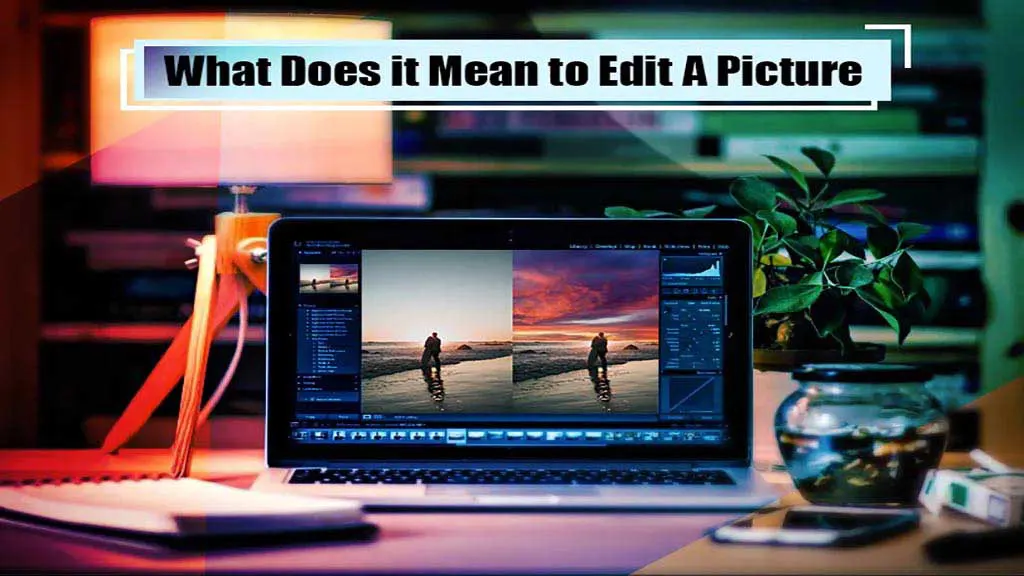
If you were wondering, what does it mean to edit a picture? This in-depth guide can give you a good understanding of image editing. Editing a picture means making some adjustments to make it look better than before. It could be adjusting the colours, the framing, the white balance, contrast, etc. In this article, we’ve also covered the basic techniques used by editors to edit images. So, without further ado, let’s get right into it!
What Is Photo Editing?
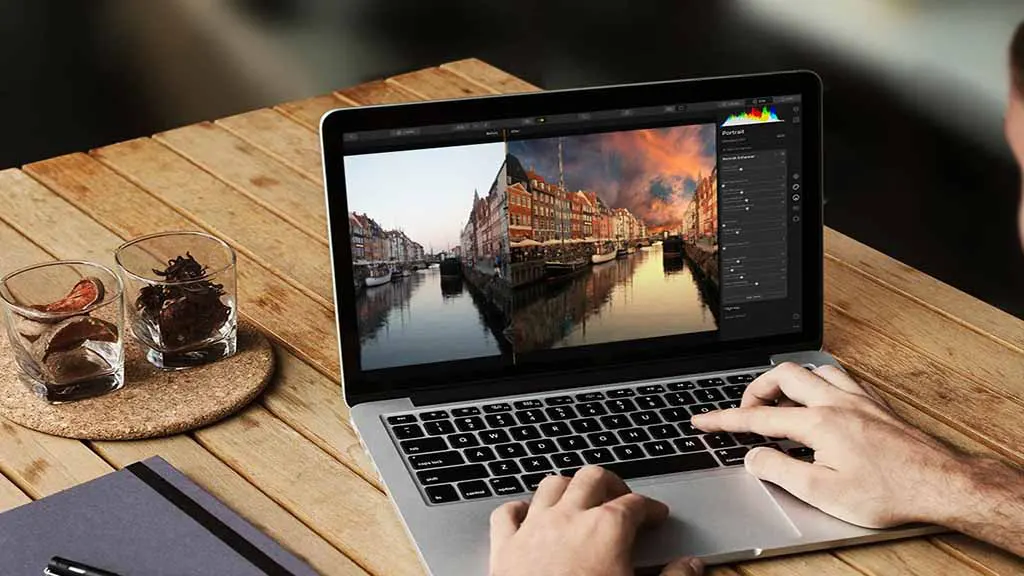
Simply put, photo editing is making changes to an image after it is captured; it’s also called image post-processing. Adding something to the image or removing something, cropping, rotating, adjusting the colours, softening or sharpening the image, etc., all come under image editing.
Basic Photo Editing Techniques
Here are a few of the most common image editing techniques that editors use on a regular basis.
Resizing
After taking a photograph, if you feel the need to increase or decrease the image size without cutting anything out, you can do that by resizing the image.
The most common reason for image resizing is to reduce the image file size since it’s easy to email or share small files. Apart from size, resizing also affects image quality. When you enlarge an image, its pixel count increases.
Too many extra pixels will make the image look dull or blurry. It’s because increasing the size more than the original one changes the details and the resolution of the image.
Cropping
If you’ve captured an image whose framing wasn’t good, you can reframe the image by cropping a portion out. To put it simply, cropping means removing parts of an image to either drive more focus toward the subject, make a better frame, or adjust the aspect ratio. Images are also cropped if a part of the image has some unwanted elements.
For example, you’ve taken a landscape photo of a sunset, and a boat accidentally entered the frame, which makes the image look bad. You can crop that portion of the image out.
Color-Correction
The colour you, as a human, see when capturing an image isn’t the same in the photograph. It’s very common that the colours in the image look a little bit off. And that’s where colour correction comes in. It allows you to correct colour wherever you feel the need.
Doing colour correction is easy for the in-house photographer who took the photo, as they saw the exact colour when taking that photograph. Correcting colours is a must for landscape images, and proper colour correction can make the image look incredibly attractive.
Clipping Path
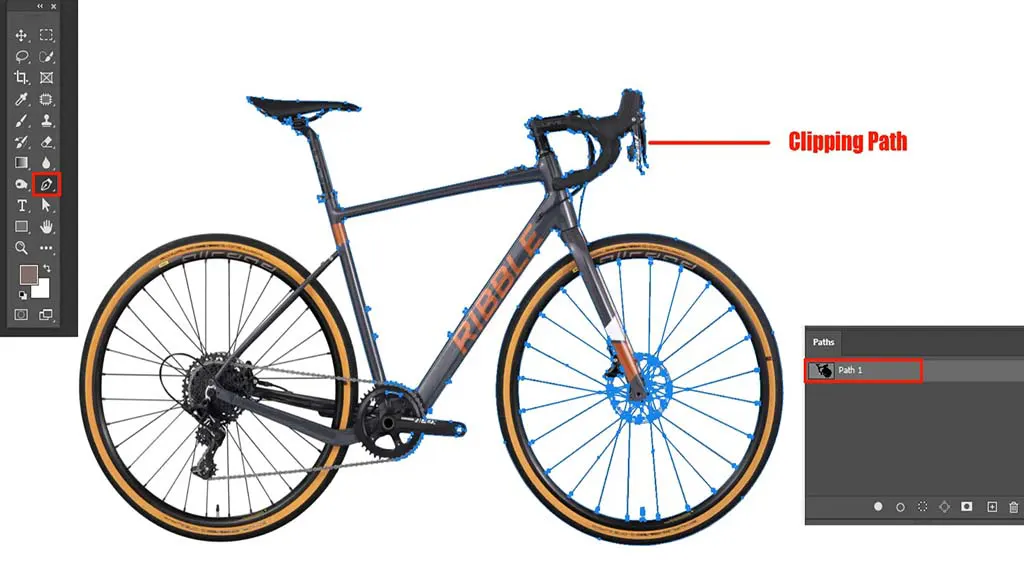
Removing the background of an image or extracting the image subject is called a clipping path. It’s done when the image subjects need to be put onto a better background.
After capturing a portrait, if the photographer thinks a better background would make the portrait look better, then with a photo editor, they can remove the background. However, the clipping path is mostly used on images taken for product advertisements.
Clipping Mask
The clipping path and mask are almost the same, and the main goal is background removal. The only difference is that the clipping path is used when the image subject has straight edges. And masking is done when the subject edges aren’t straight, such as extracting the hair area of a human.
Image Sharpening
As the name suggests, it increases the image’s sharpness. Photographers often capture images where the subject edges are slightly blurry. However, in most cases, you’ll have to zoom the image a little to find it. Image editing tools have features that increase image sharpness by adding the necessary contrast to the edges.
White Balance
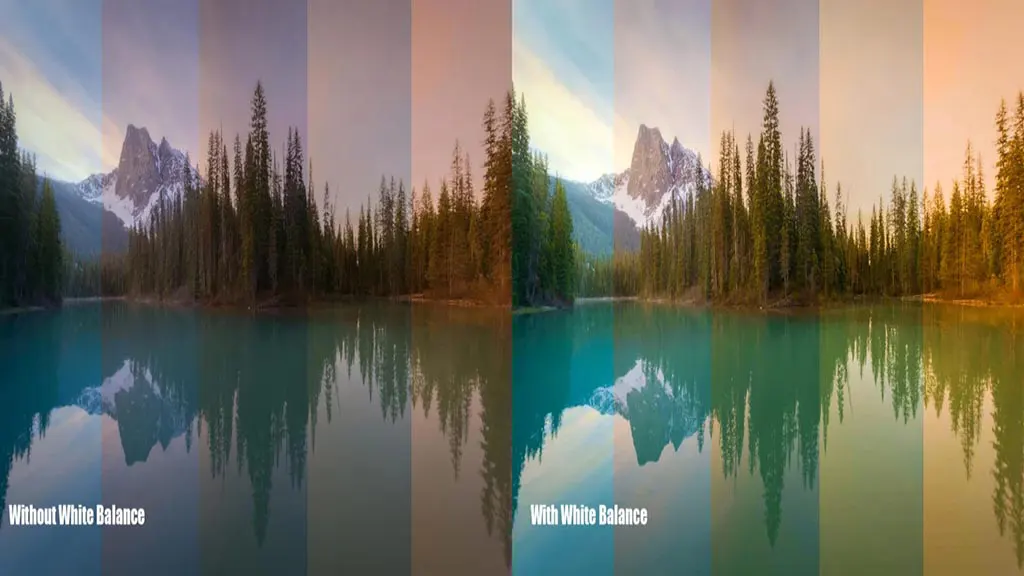
The colour that the human eye sees and the colour a camera captures aren’t always the same. If you’re a photographer, you might be able to relate to that, and sometimes the camera flash light causes white objects in the image to turn blueish. And that’s where white balance comes in. It restores the original colour to make the image look more engaging.
Noise Reduction
After capturing an image, have you ever noticed discoloured and bright pixels randomly spread all over the image? Well, that’s noise! It usually happens when the camera’s ISO is set very high. However, it depends on a few other factors as well. But the good news is that image editing software makes it very easy to remove noise from an image.
Photo Stitching
It’s done by combining a couple of images into a single wide image, like a panorama.
What Are Pixel Editing and Parametric Image Editing?
The two most popular photo editing methods are Pixel and Parametric. Go through to know the differences between these two.
Pixel Editing
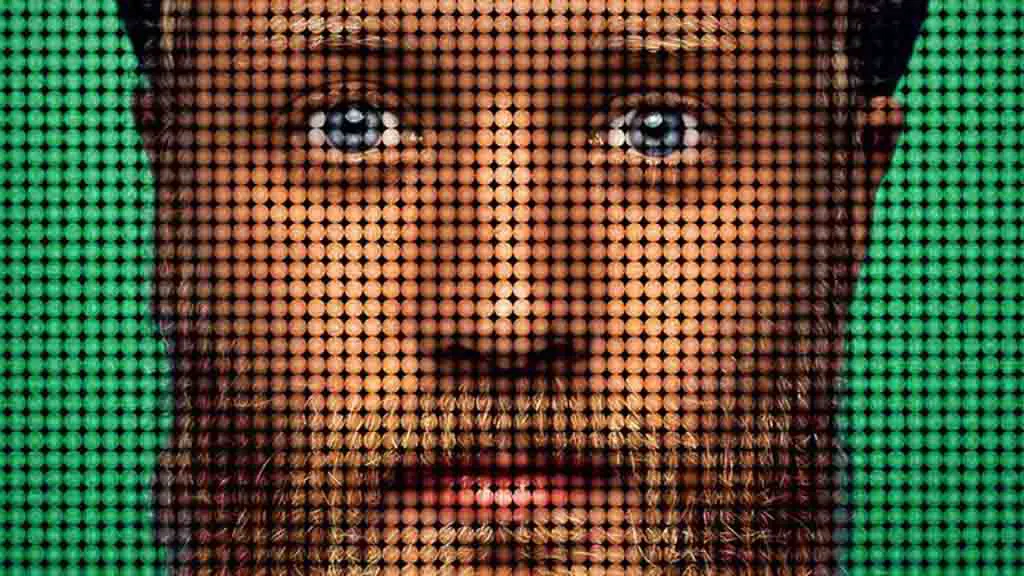
It’s a very risky editing process, but if done well, it can be extremely rewarding. As the name implies, in pixel editing, the editor manipulates image pixels to achieve specific effects. However, once any change is made, there is no going back.
Therefore, if the editor makes any mistake, that’s permanent. This is why experts suggest keeping a backup copy of the images. There is no doubt that pixel-level editing requires great skill and patience. However, the level of accuracy and details that can be achieved by pixel editing can’t be achieved by parametric editing.
Parametric Editing
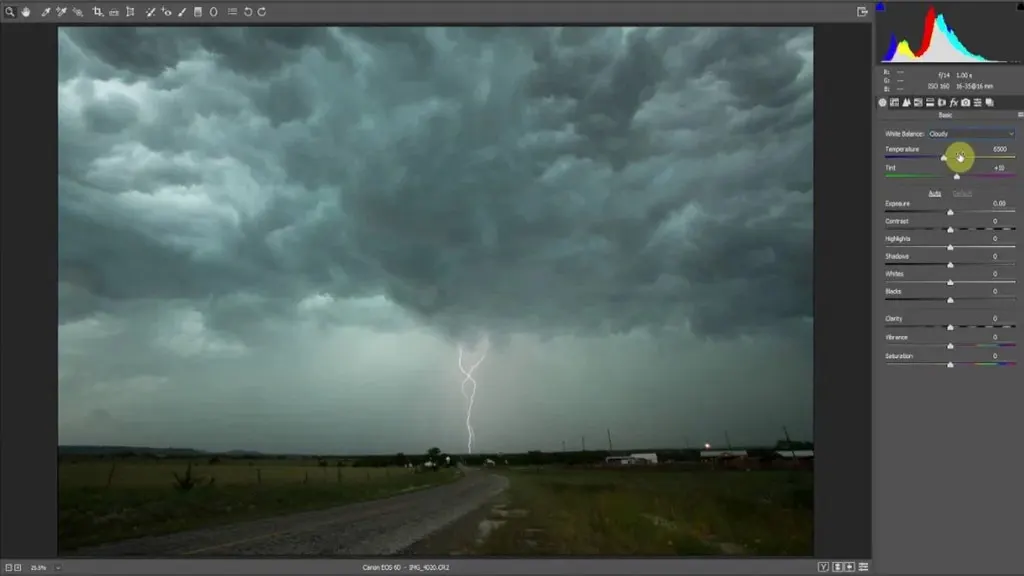
On the other hand, compared to pixel editing, parametric editing is much easier and risk-free. Parametric edits are recorded; therefore, if anything goes wrong, you can undo them.
Parametric editing is done on the whole image. For example, if you’re adding colour in parametric editing, the colour will be added to the entire image.
In pixel editing, a set number of pixels determines the colour, not the entire image. Since parametric editing is easy and non-destructive, experts suggest that beginners get a good grip on it.
Conclusion
So, what does it mean to edit a picture? It means making some tweaks to improve image quality, such as increasing contrast, adding colour, removing elements, adjusting framing, etc. Apart from some of these basic ones, there are hundreds of other things which you’ll learn about once you get into editing images.