
How to Optimize Images for Web and Performance
- Paul Jones
- January 10, 2026
- Tags: image compression, image optimization, web performance optimization, website performance
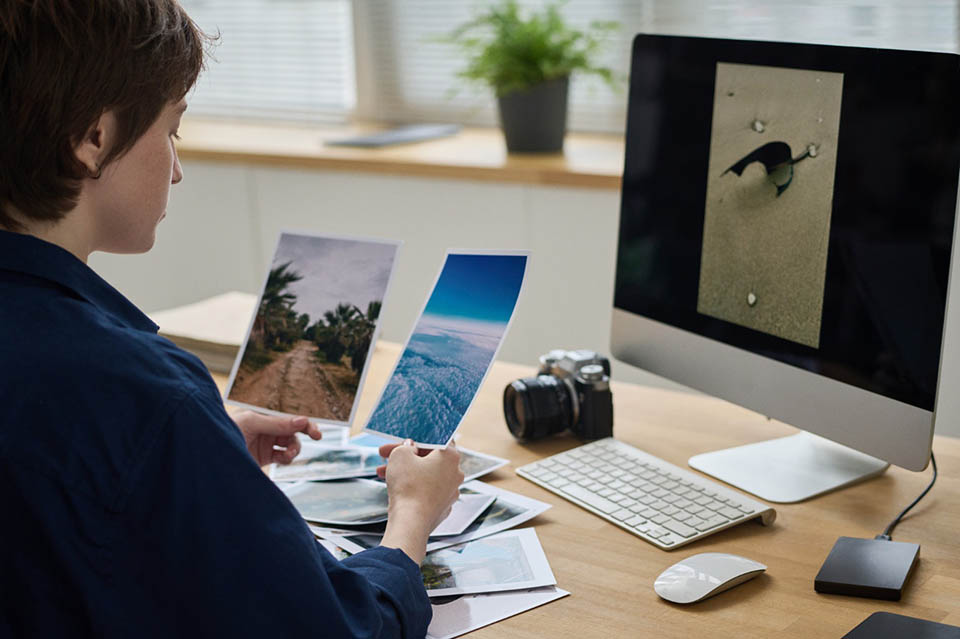
Images are a key part of any website. They make content look better, keep users interested, and help explain ideas quicker than just using text. But if images aren’t optimized, they can make your website load slowly, cause people to leave early, and hurt your search engine ranking. Website speed is one of the main things search engines like Google look at when deciding how to rank pages. If your site takes too long to load, visitors might leave without even seeing your content. That’s why it’s important to optimize images for the web in a way that keeps them high quality. In this guide, you’ll find simple and effective methods to do just that.
1. Choose the Right Image Format
Selecting the correct file format is the first step in optimization:
- JPEG (JPG): Best for photographs and complex images with many colors. It offers good quality with smaller file sizes.
- PNG: Ideal for images that require transparency or sharp edges, such as logos and icons.
- WebP: A modern format that provides high quality with significantly smaller file sizes compared to JPEG and PNG.
- SVG: Perfect for logos, icons, and simple graphics. It is scalable without losing quality.
Using the right format reduces file size while maintaining visual quality.
2. Compress Images Without Losing Quality
Image compression reduces file size, improving page load speed. You can use:
- Online tools like TinyPNG or ImageOptim
- CMS plugins (e.g., WordPress image optimization plugins)
- Automated compression tools during upload
There are two types of compression:
- Lossy compression: Slightly reduces quality but greatly reduces file size
- Lossless compression: Maintains original quality but reduces file size less aggressively
For web use, lossy compression is often the best balance between quality and performance
3. Resize Images Before Uploading
Many websites upload images in full resolution and rely on HTML or CSS to scale them down. This is inefficient.
Instead:
- Resize images to the exact dimensions needed
- Avoid uploading large images (e.g., 4000px wide when only 800px is required)
Proper resizing significantly reduces load time and improves performance.
4. Use Descriptive File Names and Alt Text:
SEO is not just about speed—it’s also about context.
- Use clear file names like blue-running-shoes.jpg instead of IMG1234.jpg
- Add alt text that explains what the image shows
This helps search engines understand your content better and makes it easier for people who can’t see images to use your website.
5. Enable Lazy Loading
Lazy loading means images load only when they come into view on the user’s screen.This helps make the page load faster at first and makes the website run better, especially on pages with lots of images. Most modern websites and content management systems either have lazy loading built in or can easily add it with a simple plugin.
6. Use a Content Delivery Network (CDN)
A CDN stores copies of your images on servers worldwide. When a user visits your site, images are loaded from the nearest server, reducing latency and improving speed. This is especially useful for websites with global traffic.
7. Optimize Thumbnails and Responsive Images
Use different image sizes for different devices. Mobile users do not need large desktop images.
Implement responsive image techniques such as:
- srcset in HTML
- Adaptive image sizing based on screen width
This ensures faster loading across all devices.
Conclusion
Image optimization plays a big role in today’s web development and search engine optimization. Picking the best image format, reducing file size, adjusting image size correctly, and using methods like lazy loading and content delivery networks can greatly enhance your website’s speed and user experience. A quicker website not only performs better in search engine rankings but also helps visitors stay on the site longer. Begin optimizing your images now to improve both website performance and your search engine results.
FAQ's
Frequently Asked Questions

The best image format depends on your needs. WebP is highly recommended because it offers smaller file sizes with good quality. JPEG is ideal for photos, while PNG works best for images requiring transparency.
You should aim to reduce image size by 60–80% without noticeable quality loss. Tools like TinyPNG or image compressors help maintain a balance between quality and performance.
Yes, large images significantly slow down page loading time. Optimizing image dimensions (e.g., using 1024px instead of 4000px width) improves speed and user experience.
Yes, lazy loading helps load images only when they appear on the user’s screen, reducing initial load time and improving overall website performance.